Frame your shot. unClick™ takes it.
unClick watches the scene and takes the photo itself at the right moment. There are no modes, no settings and no shutter button.
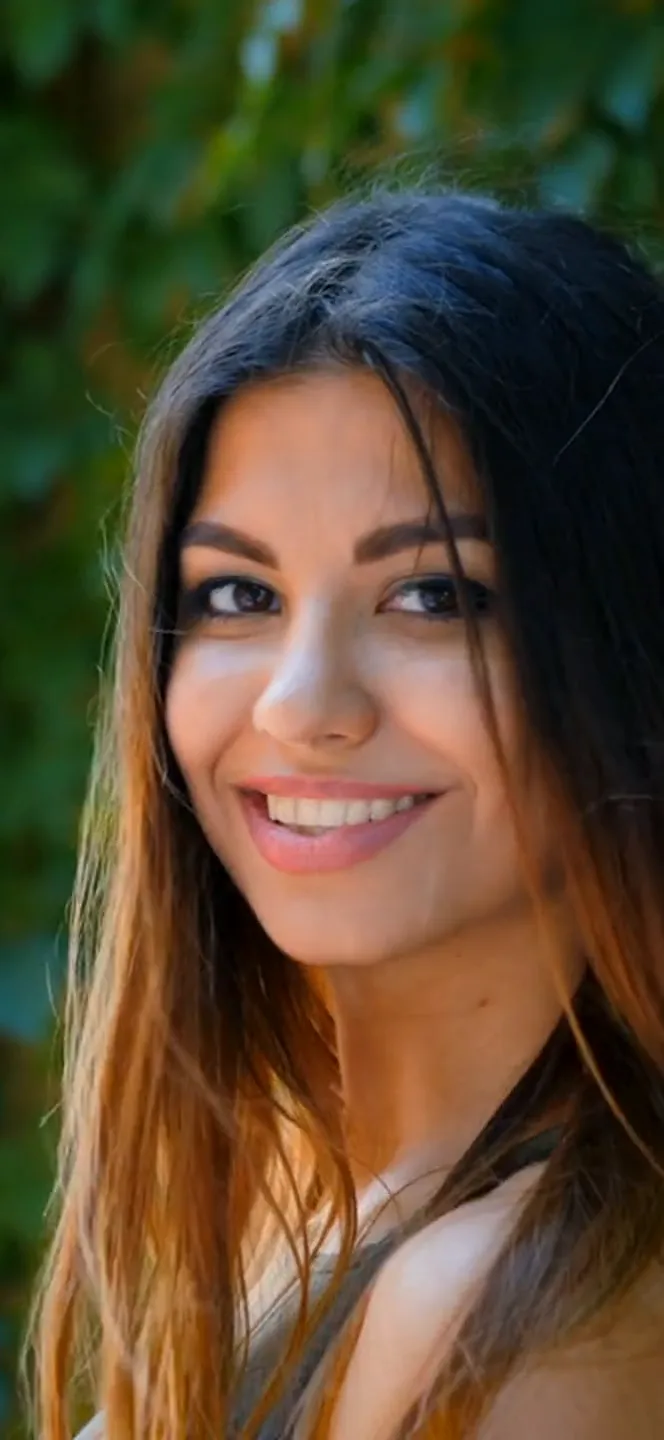
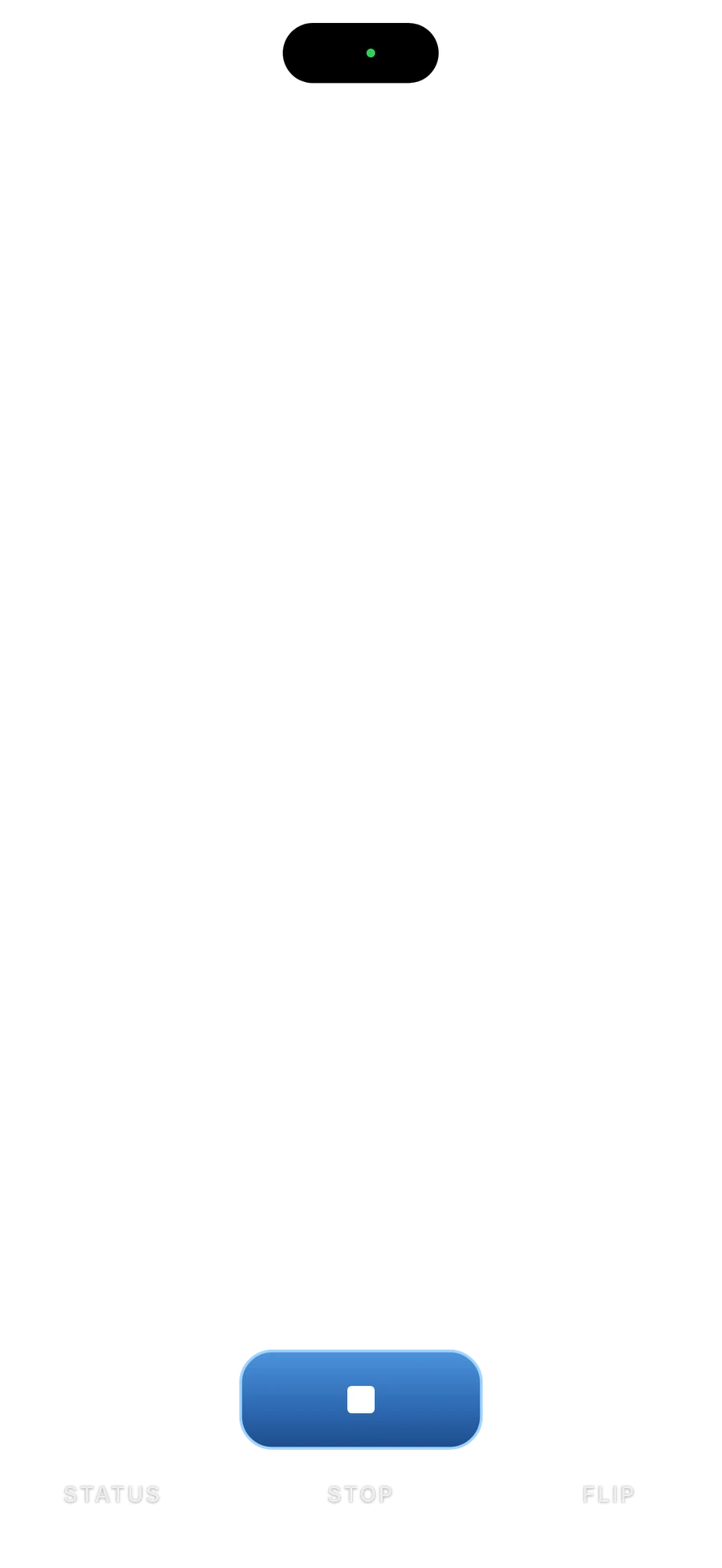
Open the app. Frame your shot. Hold steady. Capture.
- 1 · Watch
Open the app. It starts watching on its own.
- 2 · Detect
Frame the shot and hold steady for a moment.
- 3 · Lock
unClick checks that the frame is sharp and steady, and that nobody is mid-blink.
- 4 · Capture
It takes the photo and saves it to Photos.
Hands free from start to finish.
“Hey Siri, start unClick.”
Or start it from the Action Button, Spotlight or Shortcuts. unClick starts watching as soon as it opens.
Say “take it” and it takes the photo.
“take it”Takes a photo. “click” works too.“zoom”Steps in one level.“zoom zoom”Goes all the way in.“wide”Goes all the way out.“flip”Switches cameras.“start”Starts watching.“stop”Stops watching.Four stops on the rear camera.
On supported iPhones.
Handheld, propped or on a tripod.
Use the front or rear camera and step into the frame yourself.
Every shot goes to Photos.
No separate library to manage.
Real photos, taken with unClick.
All shot on iPhone 17 Pro Max.
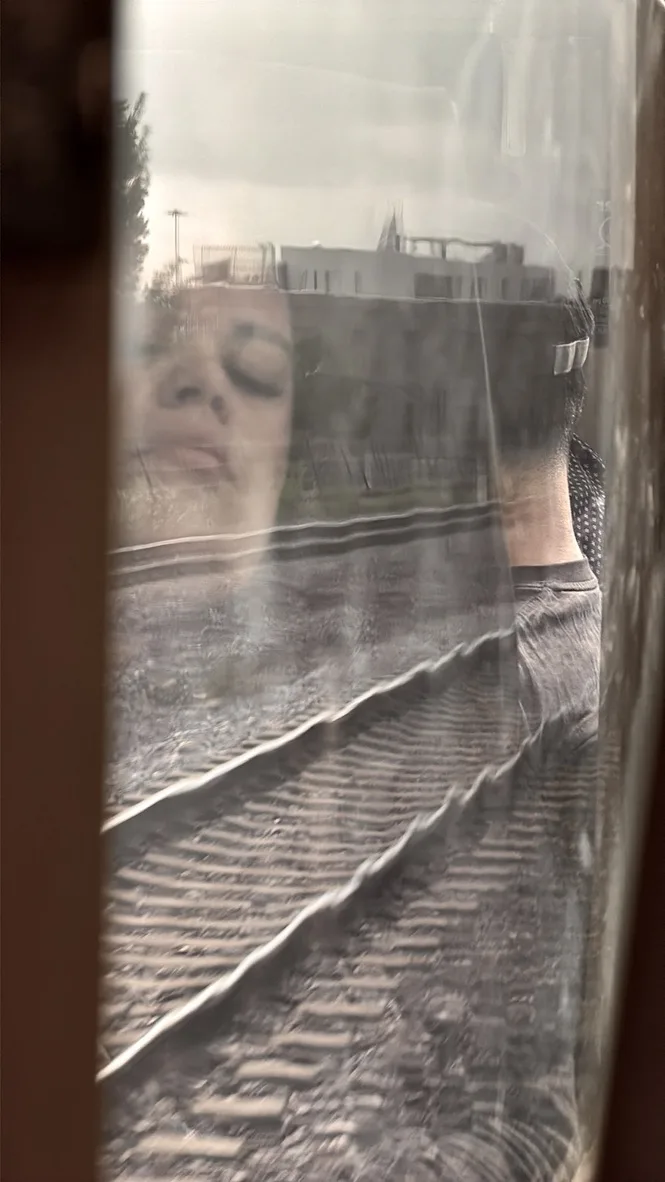
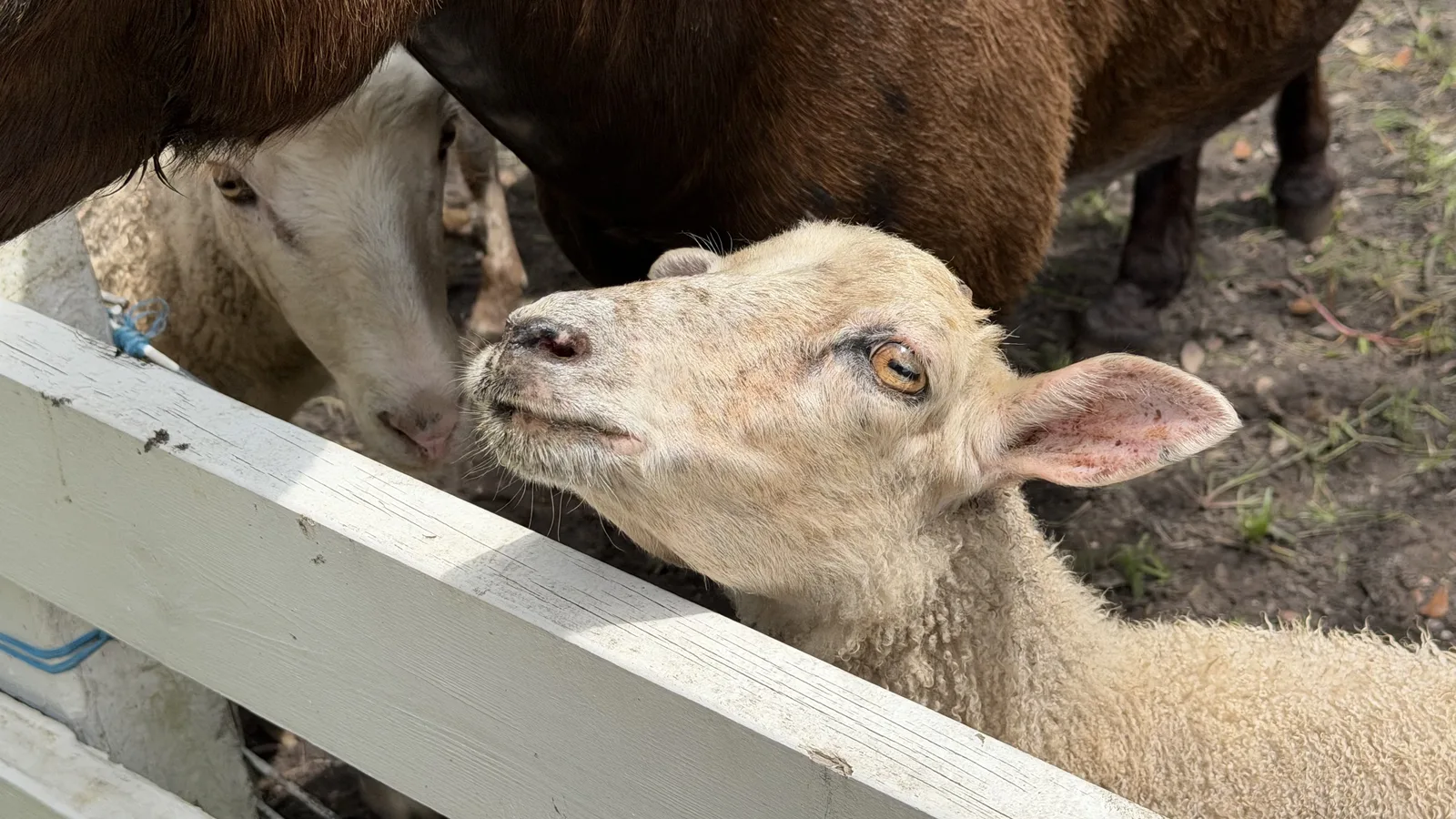

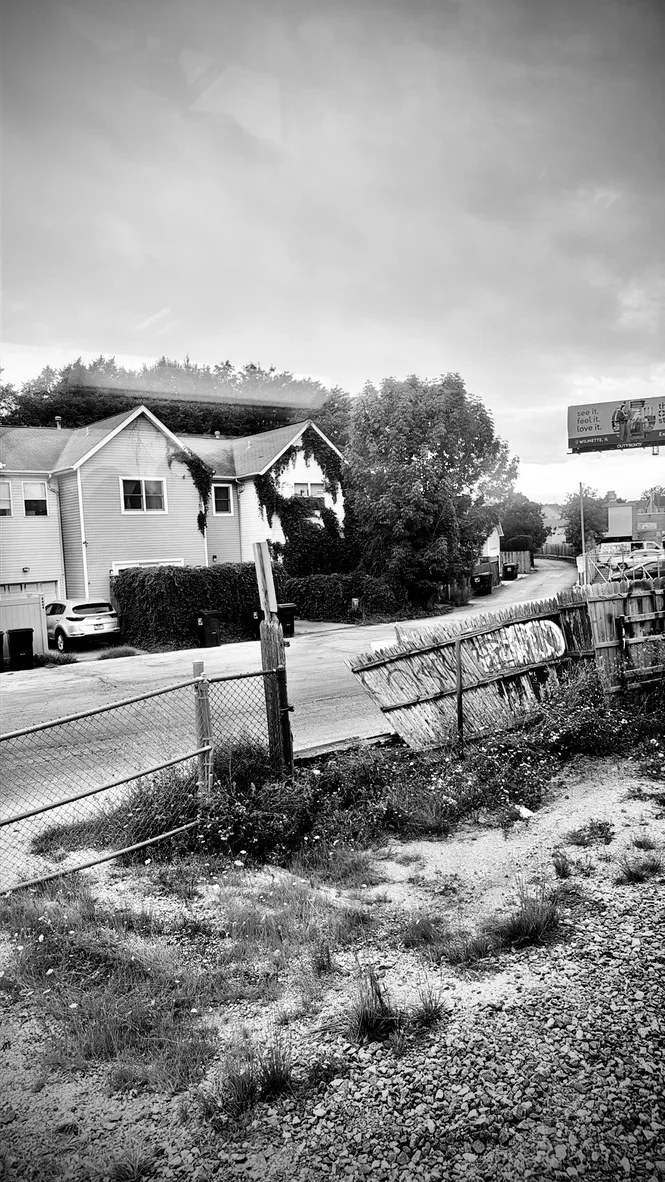


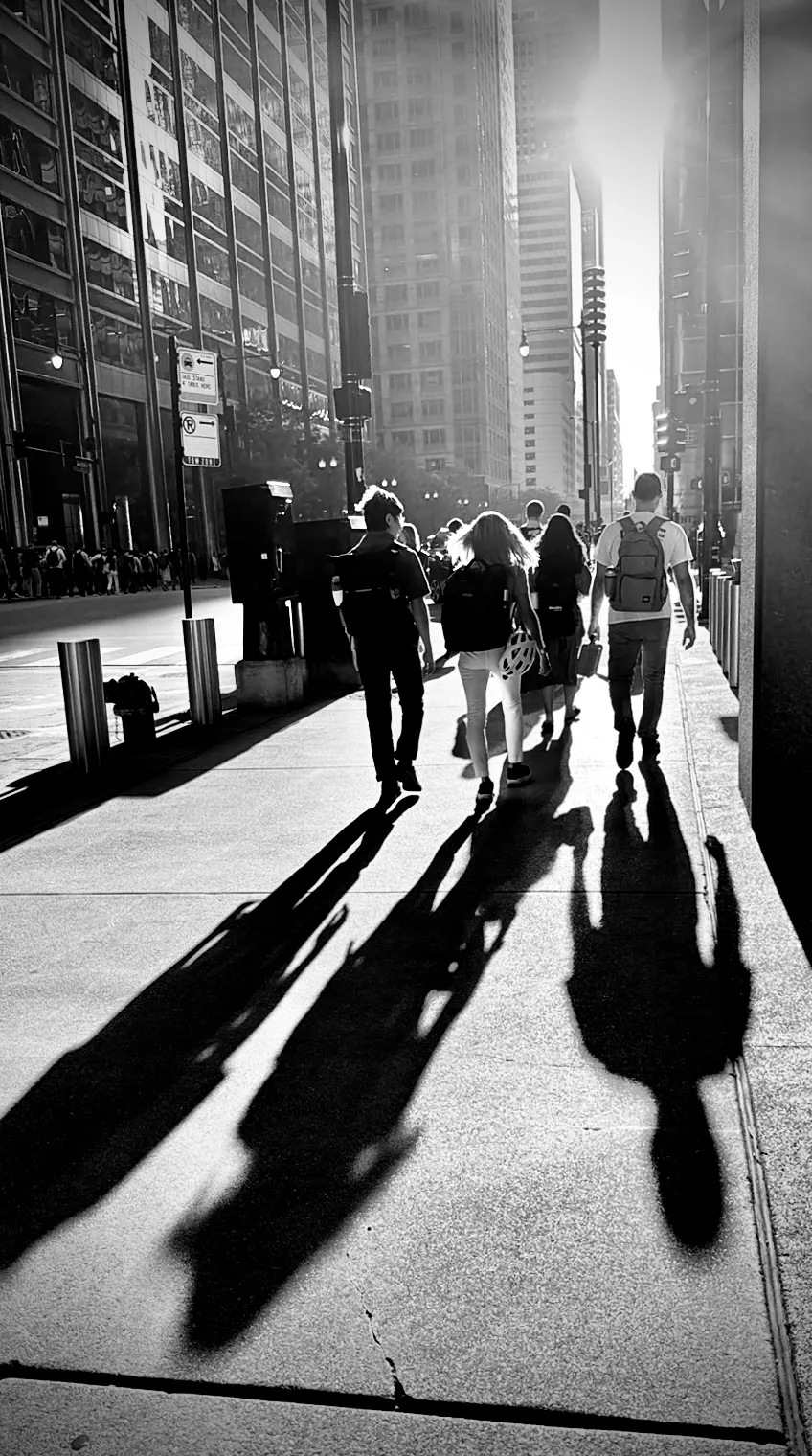
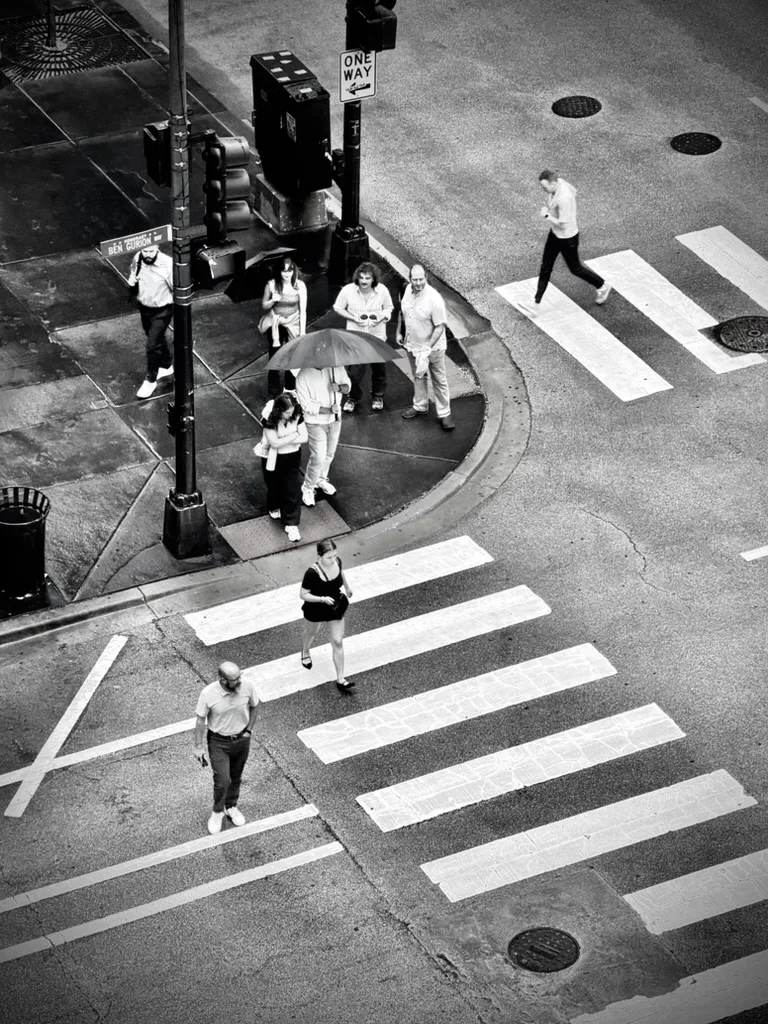
Captured with unClick, edited on iPhone.
Try it free for 3 days.
Then pick a plan. Cancel any time in iPhone Settings.
Includes a 3-day free trial.
Includes a 3-day free trial.
Includes a 3-day free trial.
Existing subscribers keep Pro. Payment is charged to your Apple Account at confirmation of purchase. The subscription renews automatically unless you cancel at least 24 hours before the end of the current period, and your account is charged for renewal within 24 hours before the period ends. Manage or cancel in your Apple Account settings. Terms of Use · Privacy Policy
It runs on your iPhone.
Image analysis and speech recognition run on the iPhone. Photos save to the Photos app. Here is why unClick asks for each permission.
Read the privacy policyQuestions, answered.
Does it need the internet?
No. Image analysis and speech recognition run on your iPhone, so unClick works without a connection. You need one to download the app and start your subscription.
What does it cost?
unClick is free to download with a 3-day free trial. After the trial it costs $1.99 a week, $5.99 a month or $29.99 a year.
How do I stop it?
Tap STOP, or say “stop.”
How do I start it by voice?
Say “Hey Siri, start unClick.” Once the app is open, say “start” to begin watching again.
Does it work on a tripod?
Yes. unClick works handheld, propped on a table or mounted on a tripod, with the front or rear camera.
Which iPhones does it support?
unClick runs on iPhone. The App Store listing shows the iOS version it needs. Rear zoom stops of 0.5x, 1x, 2x and 4x are available on iPhones with those cameras.
How do I cancel?
Open Settings on your iPhone, tap your name, then Subscriptions, and choose unClick. Cancel at least 24 hours before the trial or period ends to avoid the next charge.
Where do my photos go?
Straight to the Photos app on your iPhone, alongside your other photos.
Something else? Write to hello@unclickapp.com or visit Support.